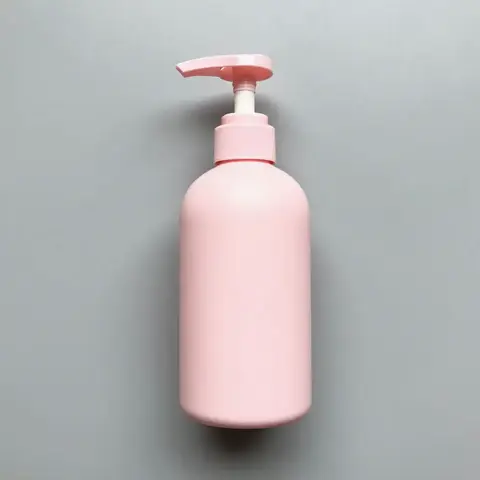
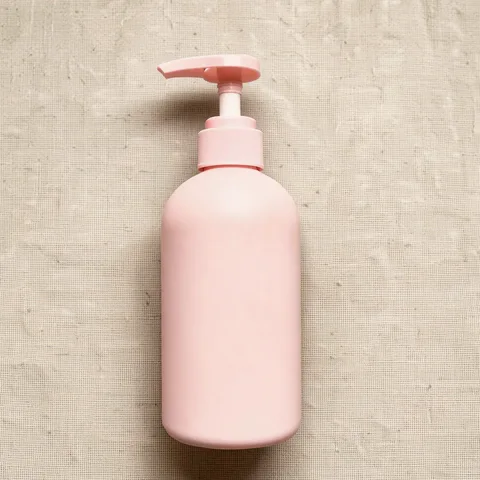
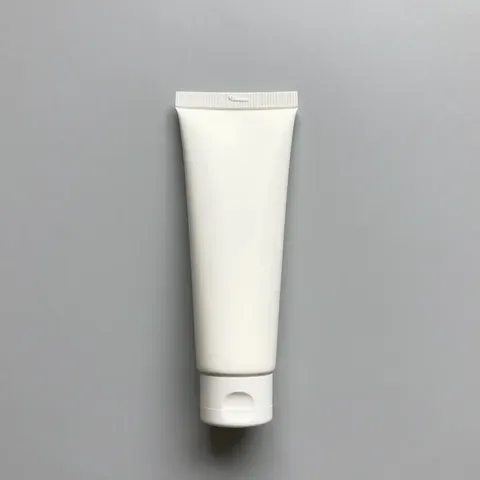
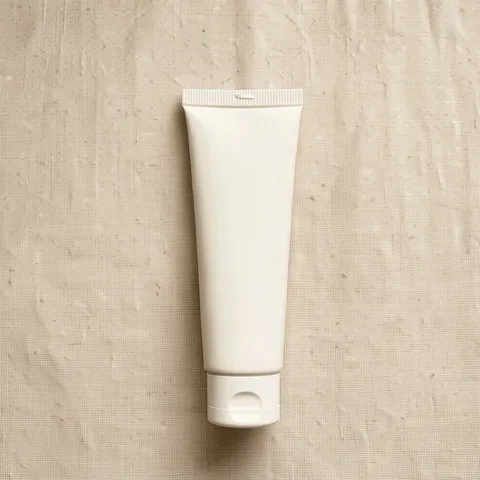
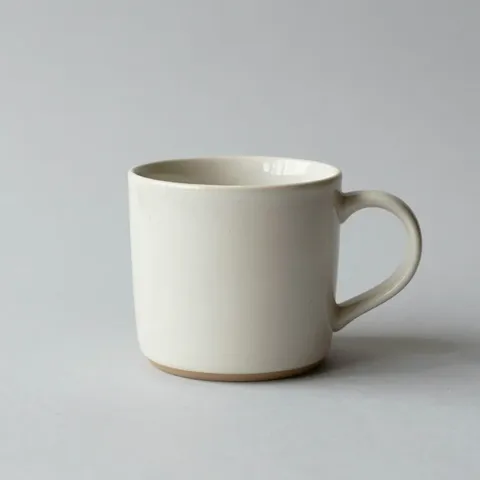
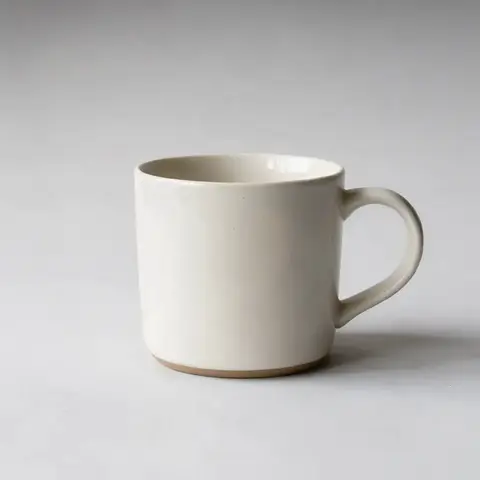
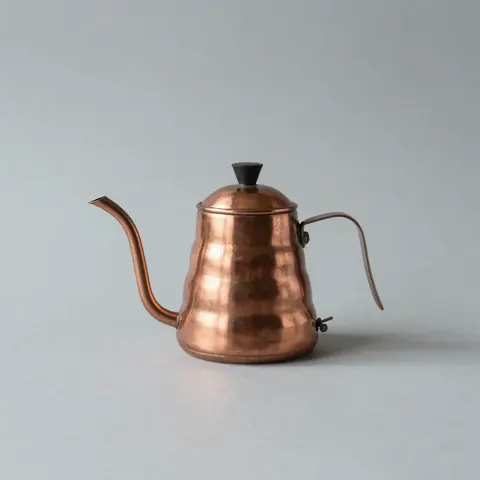
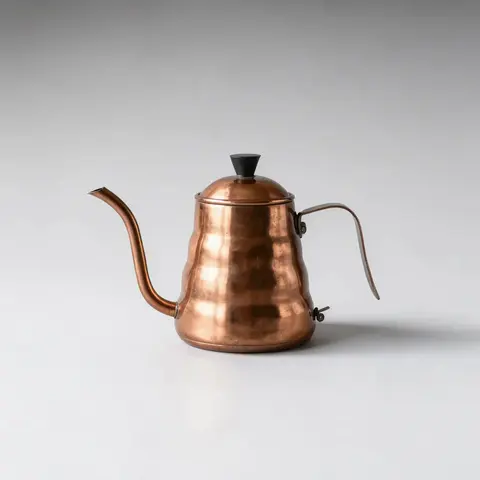
Enough to preview 2 photos at 11 credits each. No card needed.
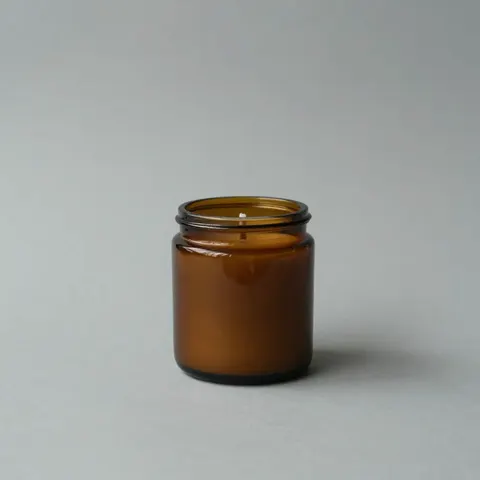
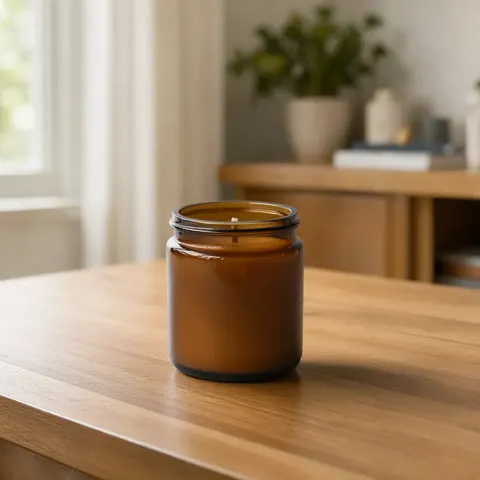
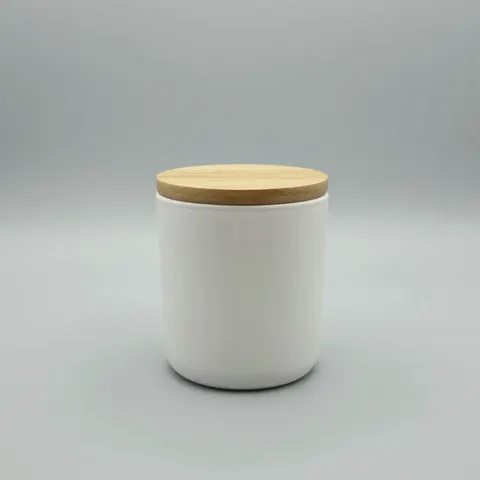
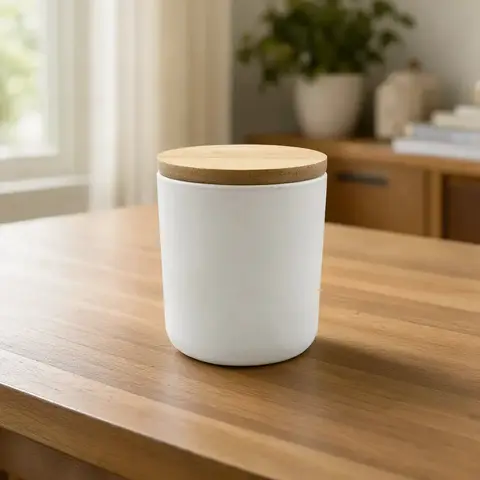
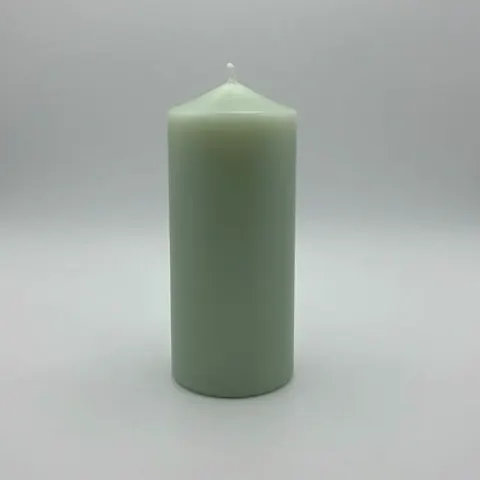
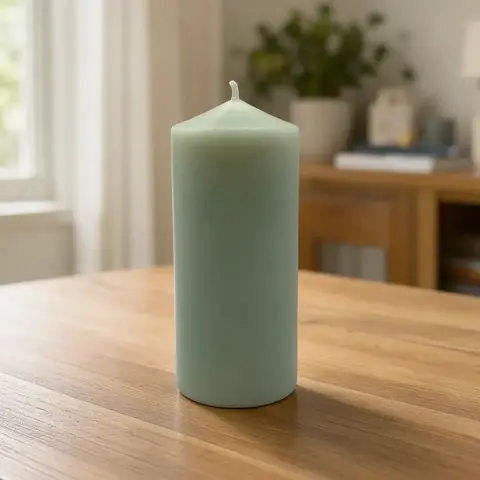
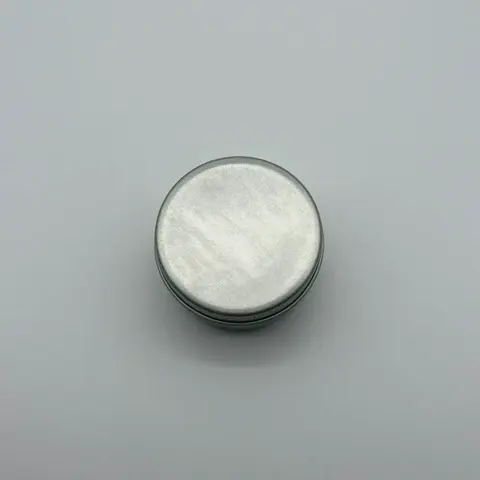
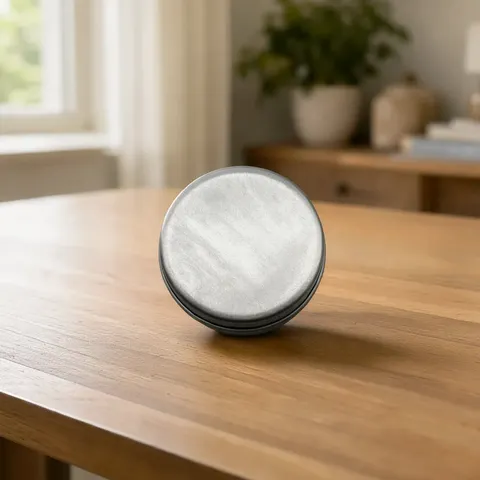
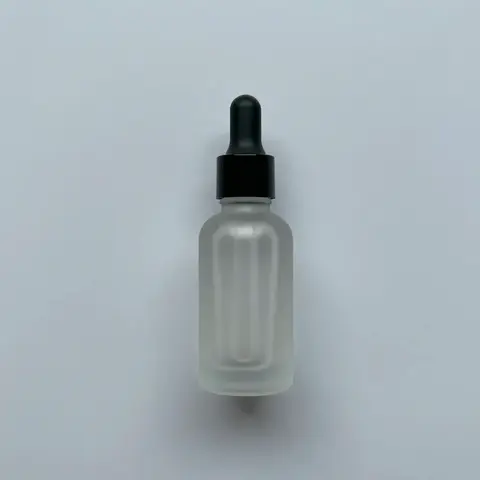
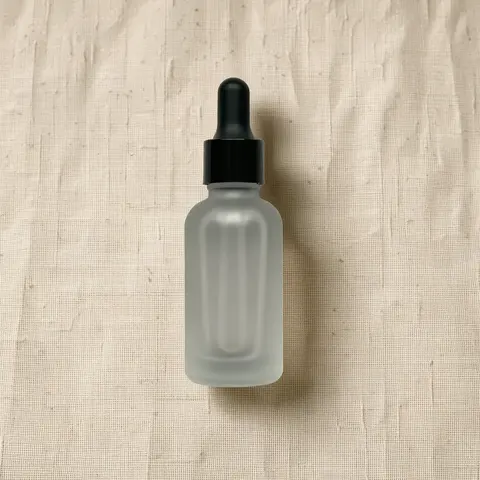
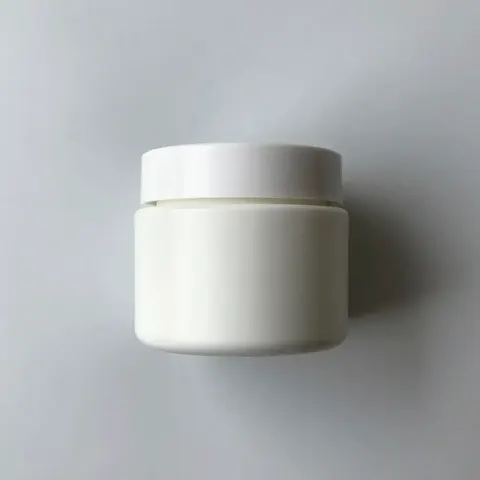
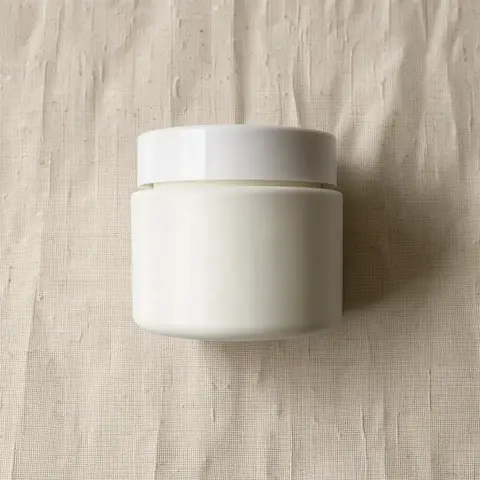
This bulk image editor applies one instruction to a whole set of product photos. Upload the set, write the scene once (or pick a recipe such as Studio gradient), preview it on the first photos, then run the rest. Each photo comes back on the same surface, in the same light, with the shadow falling the same way, while a fixed instruction asks the model to leave the product itself, its label and its logo as you shot them.
Updated
How it works
1
Upload the set
Drop in JPG, PNG or WebP photos, up to 10 MB each and at least 256 px on each side. The uploader shows how many fit in one run.
2
Write one instruction and preview
Describe the surface, background, light and shadow, or pick a recipe. The preview edits the first photos so you can check the scene and the product before the rest is charged.
3
Run the rest and export
Start the remaining photos, then download them one by one or as a single ZIP, as the original PNG or through a square, portrait or banner preset.
Good for
Marketplace shops refreshing every listing photo in one sitting
Brands with a few dozen products that were shot on different days
Making new stock match photos already on the store
Teams that want one look applied by anyone on the account
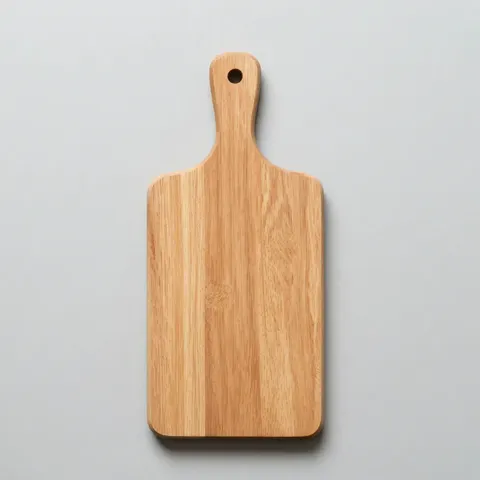
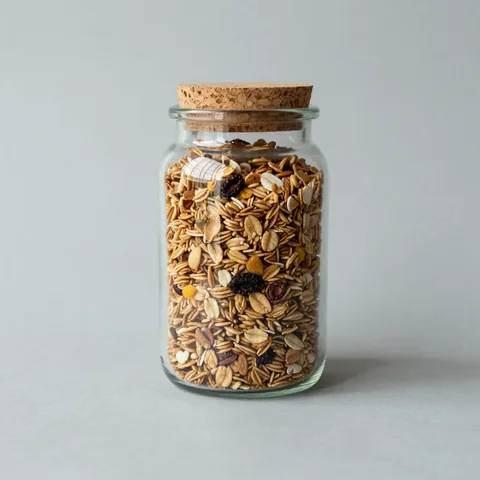
Linen flat lay · Standard
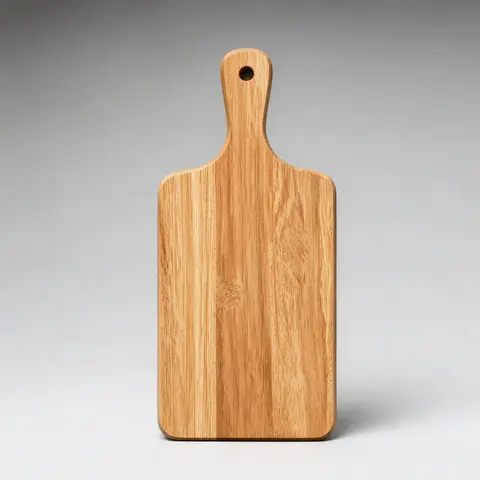
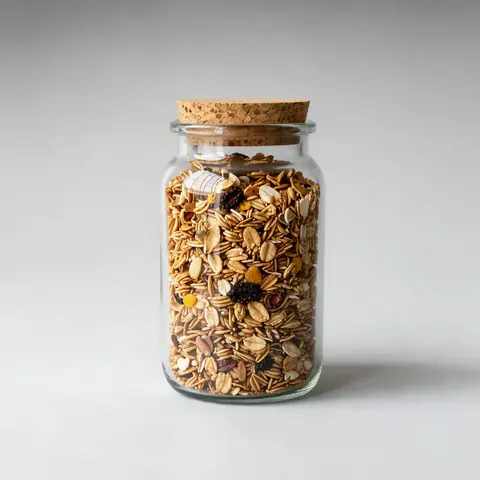
Studio gradient · Standard
01
What a bulk image editor does differently
A single-photo editor makes you repeat the same request for every file, and small differences in wording add up to a catalogue that does not match. Here the instruction is written once and sent unchanged with every photo. Each photo is still its own job, charged on its own, so a photo that fails or is refused by the safety check is refunded alone and the rest of the run carries on. That is what makes it practical to edit forty or fifty photos in one go and still trust the result.
02
Batch edit product photos without losing the product
The instruction you write only describes the scene. Around it sits a fixed request that the model keep the product as it is: shape, colours, label text and logos. You still check the preview, because AI output varies, and the preview is where you catch a soft edge or a redrawn label before it repeats across the set. For packaging with small print, switch the run to the Label-safe engine, which redraws small text more faithfully.
03
Choosing an engine and size for the run
Standard runs Flux 3 Klein by Black Forest Labs. It is fast, the cheaper choice per photo, and works at 1K or 2K. Label-safe runs Qwen-Image 2.1 by Alibaba, at one price for 1K or 2K, and suits cosmetics, food and anything else with fine print. The studio shows the total for the whole run before you start, and any finished photo can be upscaled to 4K afterwards as a separate job.
Square, portrait and banner files, made in your browser
Free
Questions
How many photos can I edit at once?
A single run holds several dozen photos, and the uploader shows the exact limit. Larger catalogues run as several batches with the same instruction, so they still match.
Is every photo charged even if some fail?
No. Each photo is its own job. A photo that fails, times out or is skipped by the safety check gets its credits back, and the other photos are not affected.
Can I use different instructions in one batch?
One run uses one instruction, which is what keeps the set consistent. For a second look, such as white main images and lifestyle gallery shots, start a second run on the same photos.
Does the bulk image editor change my products?
It is built not to. A fixed instruction asks the model to keep the product, its colours, label text and logo. Check the preview closely, and keep the original for any photo where the item no longer matches.
Can I run batches from a script?
Yes. Stockroom, Warehouse and the team plans include API keys, and the MCP server accepts up to ten photos per call, so an assistant or script can feed a larger catalogue in steps.
Is Img Editing affiliated with the companies behind the models?
No. Img Editing is an independent service. It runs Flux 3 Klein from Black Forest Labs and Qwen-Image 2.1 from Alibaba, and is not affiliated with either company or with any marketplace.